Launch alarm
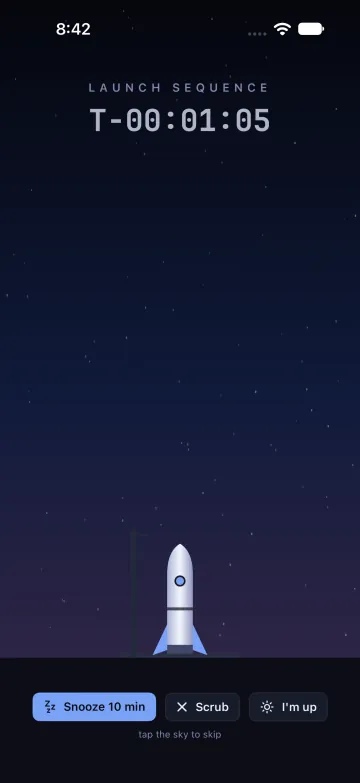
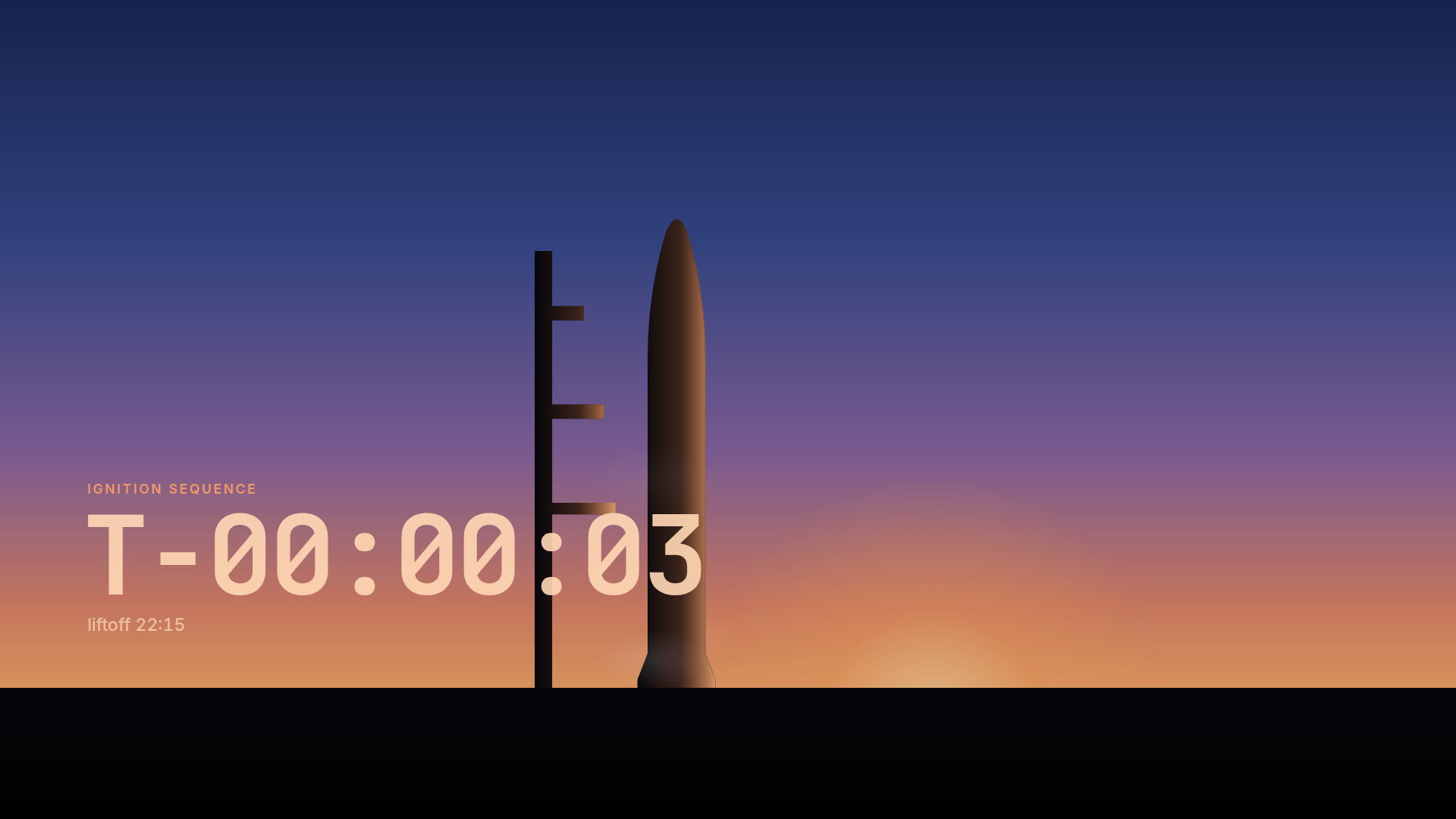
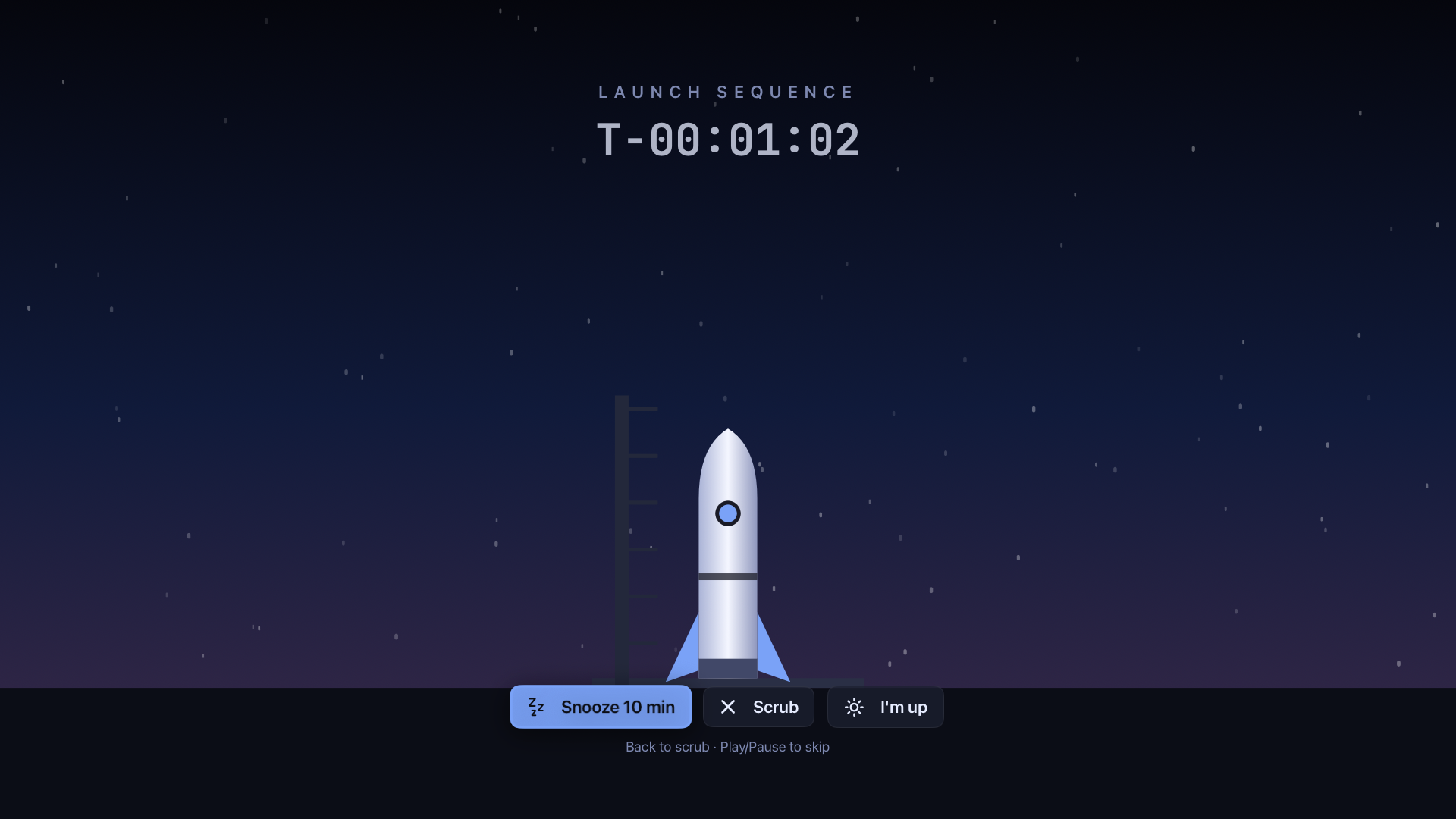
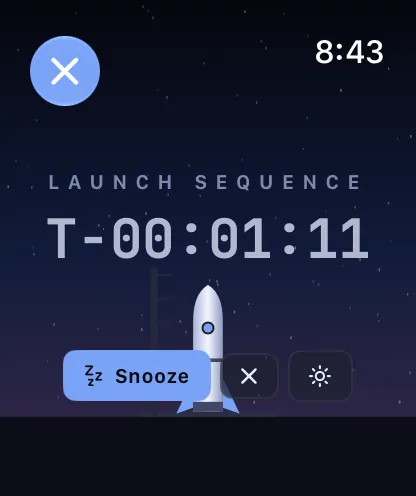
A countdown scene while the lights warm up, liftoff on time, then the briefing. Snooze, I’m up, Scrub and Launch now work from any screen or your wrist.
T-04:12 · liftoff 6:50 AM


Launch control for your home and your day
Flight Day wakes you with a launch countdown, briefs you on the morning, puts the house to bed with one tap and follows every rocket launch on a live globe. It runs on an Android wall panel, Google TVs and native Apple apps, with Home Assistant underneath.
What it does
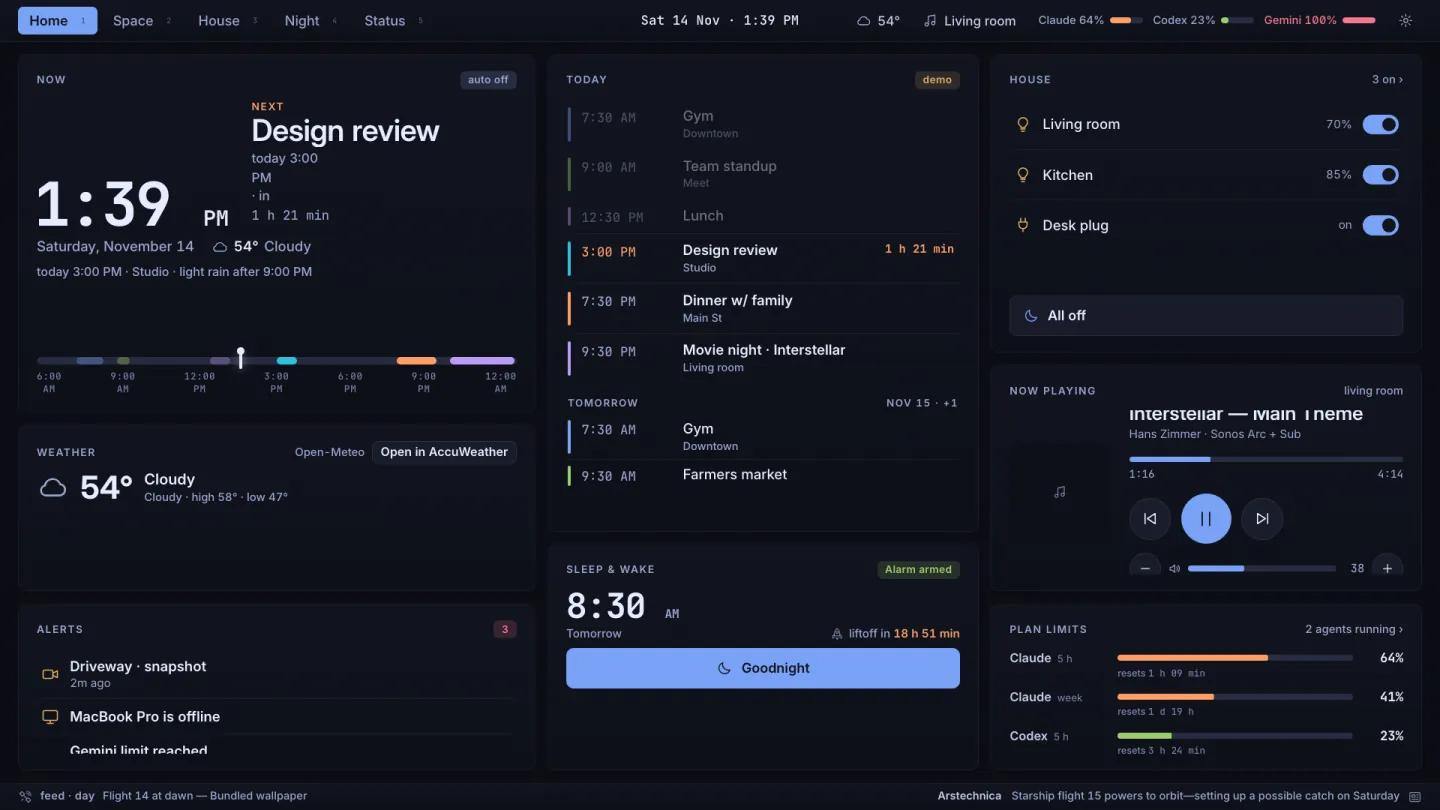
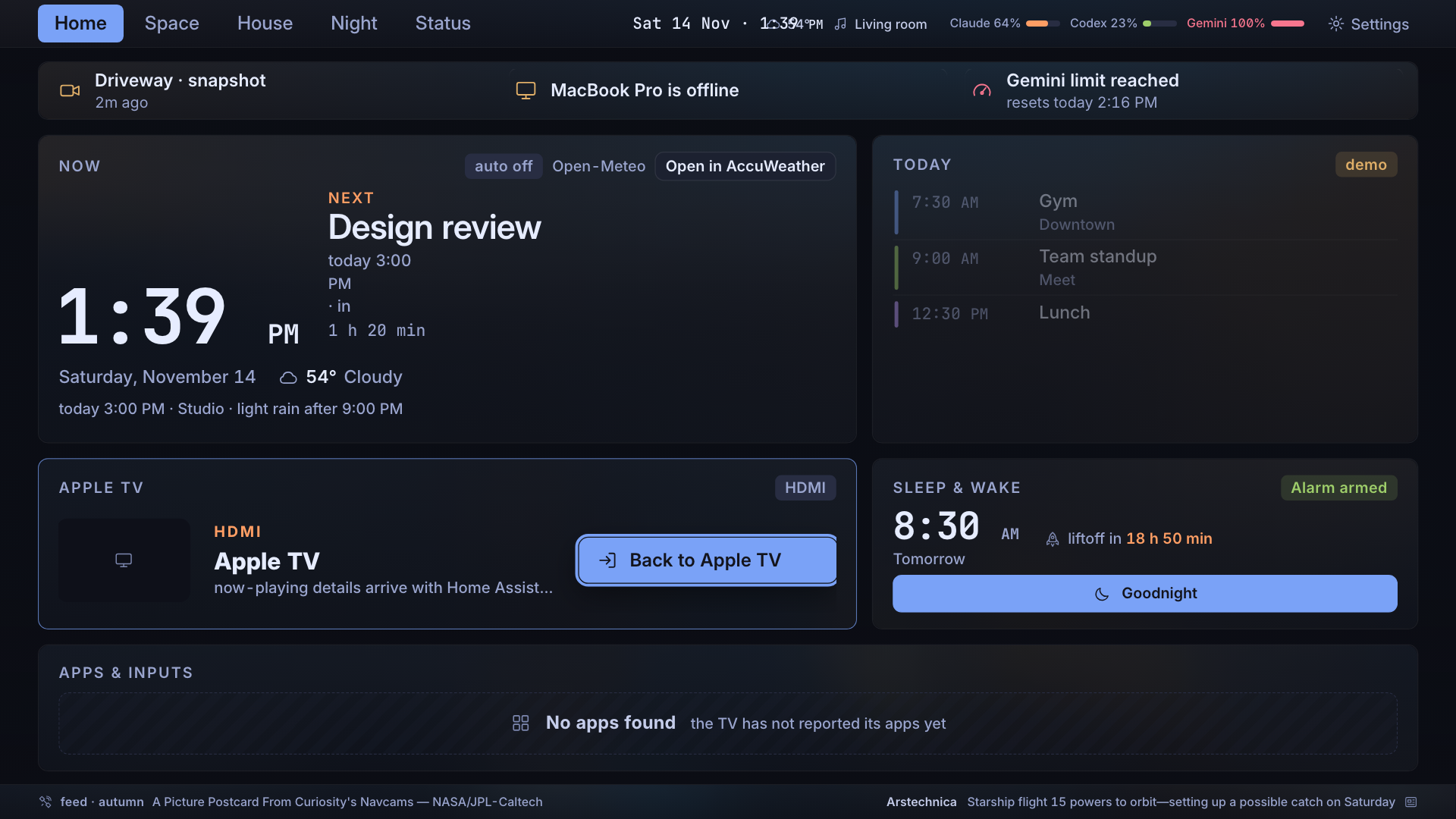
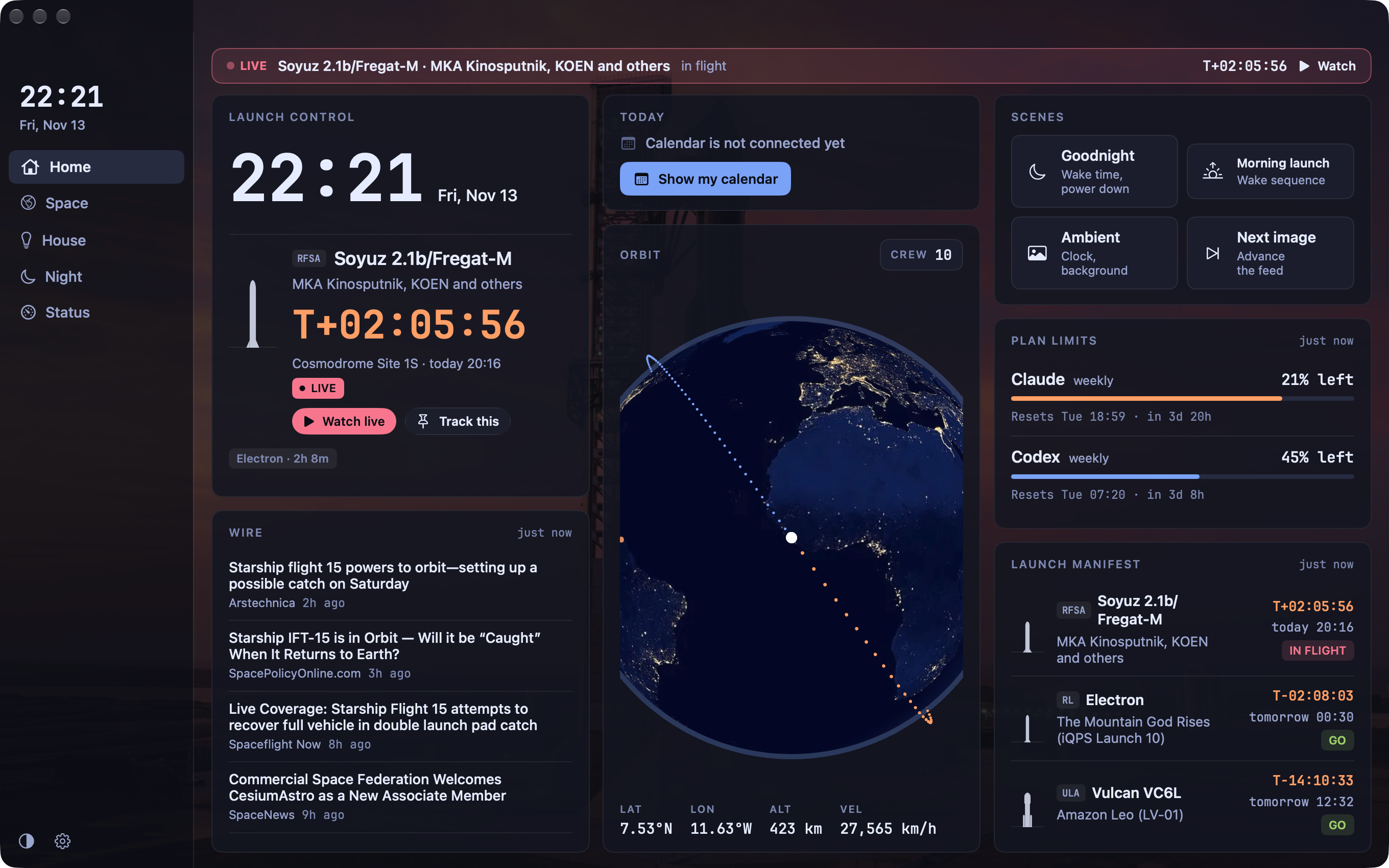
Five areas, the same on every device: Home · Space · House · Night · Status. Every tile shows real data, or says plainly what it’s waiting for.
A countdown scene while the lights warm up, liftoff on time, then the briefing. Snooze, I’m up, Scrub and Launch now work from any screen or your wrist.
T-04:12 · liftoff 6:50 AM
Weather and alerts, rain in the next hour, today’s calendar, what’s due, launches worth watching and your AI plan limits. On the wall and TVs it stays until you tap Done.
Rain from 8:10 AM, light · first event 9:30 AM
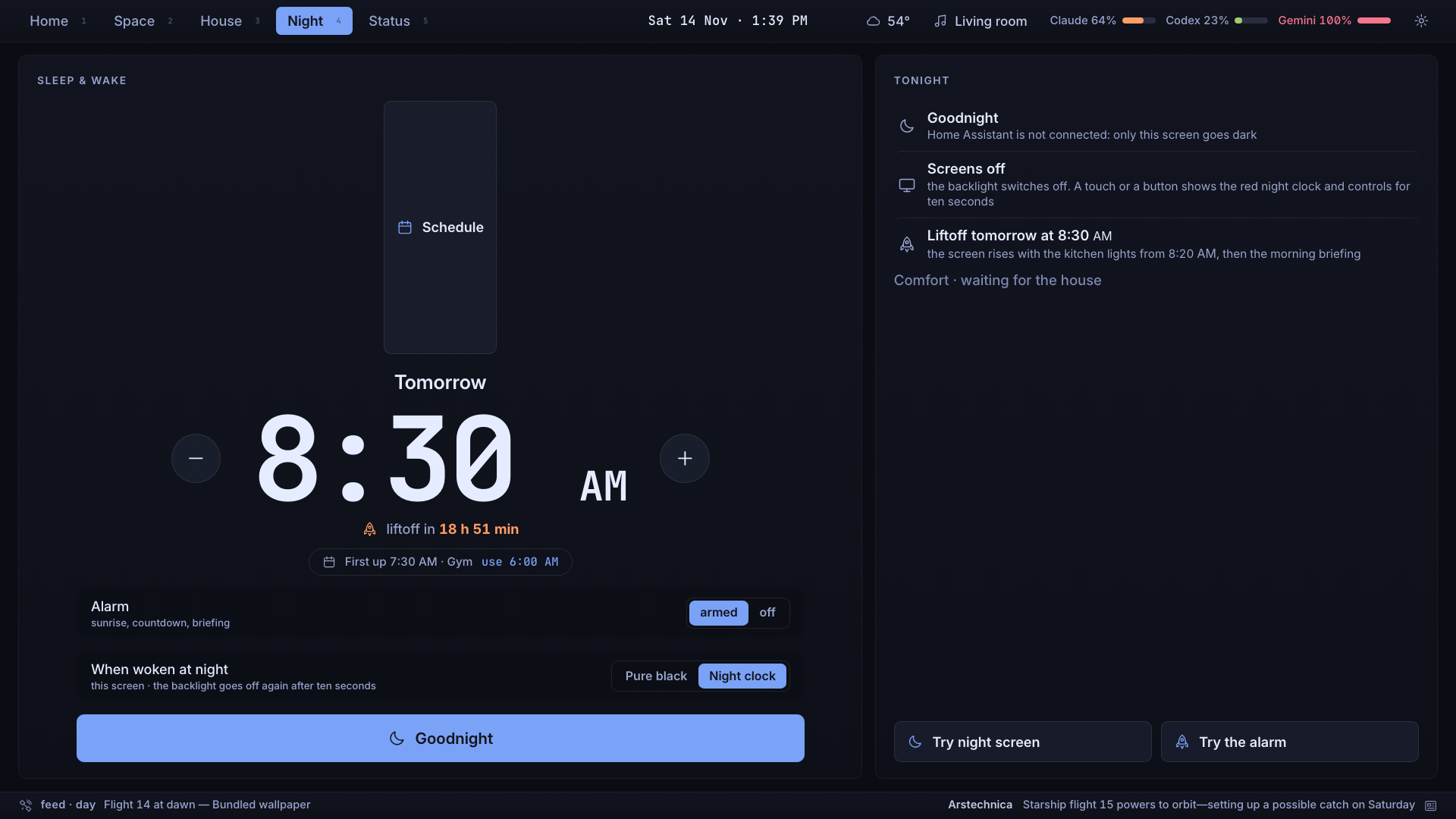
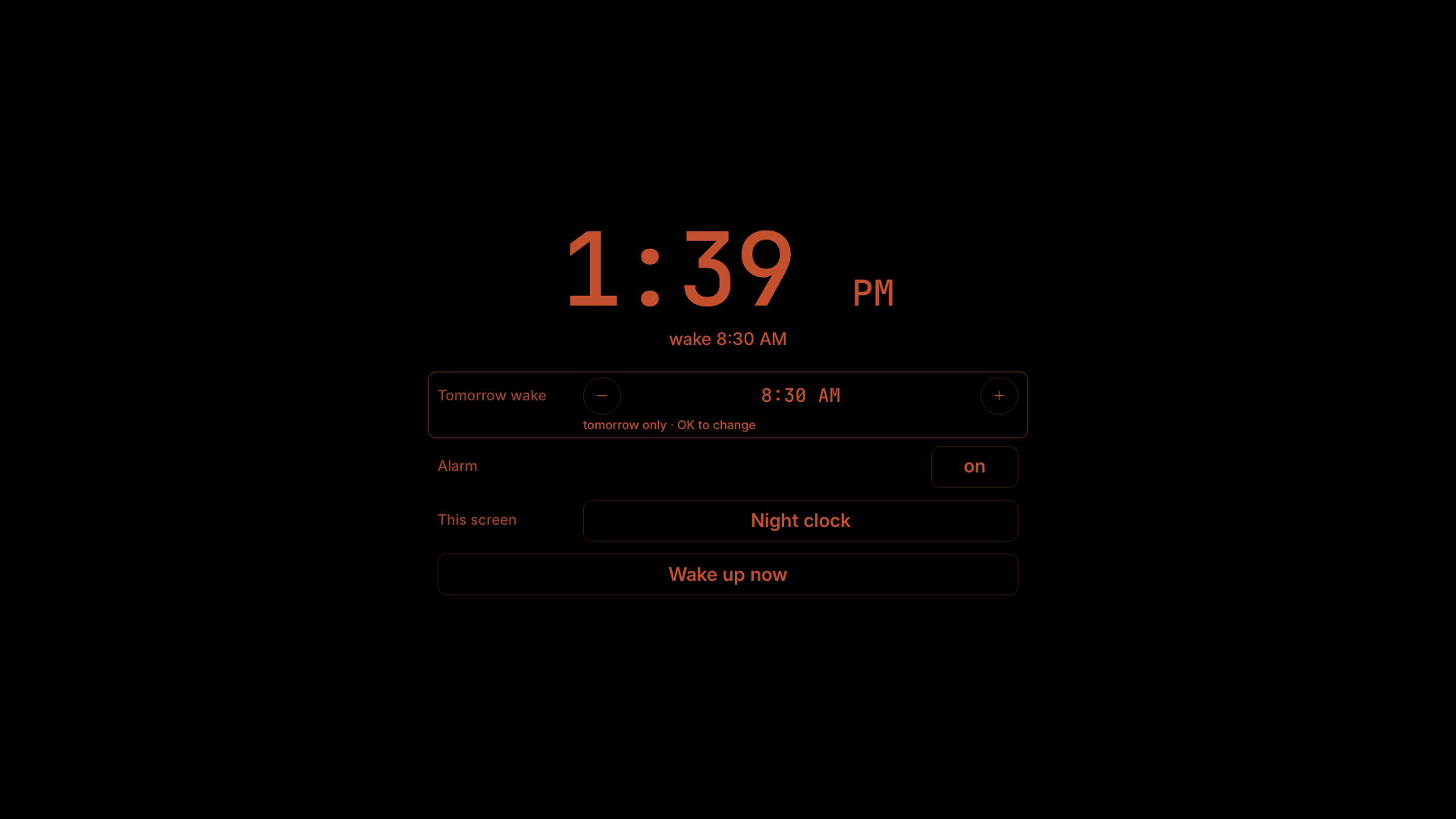
One tap starts a sleep sound on the bedroom speaker and turns the screens dark. Wake a screen at night and it answers in dim red on black.
Wake 7:00 AM · alarm armed
Auto, Heat, Cool or Off, fresh air and manual holds, through Home Assistant. Off stays off until you say Resume. Automatic mode watches in shadow before it takes control.
Night 69° · Wake 74° · Day 73° from 11:00 AM
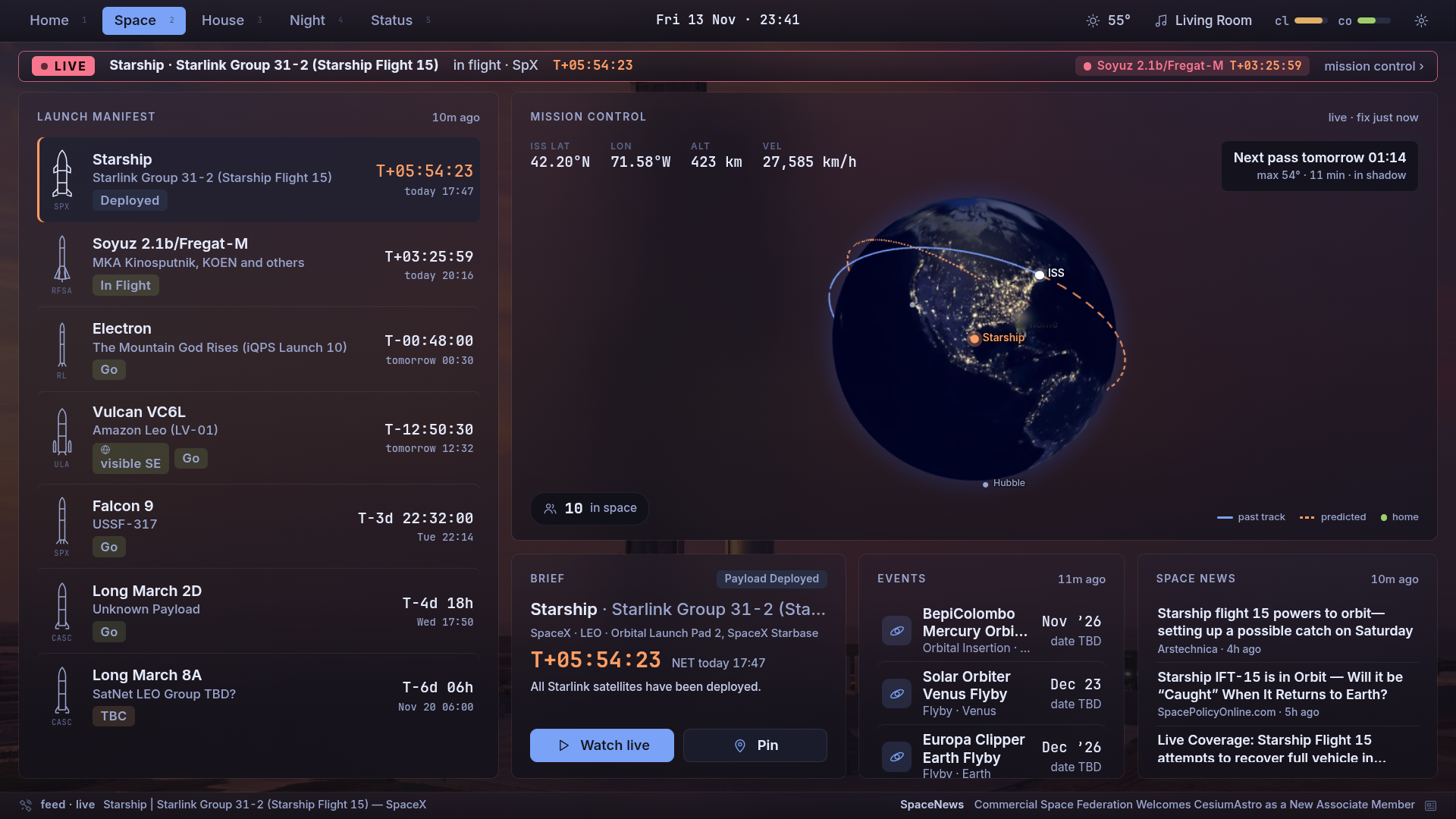
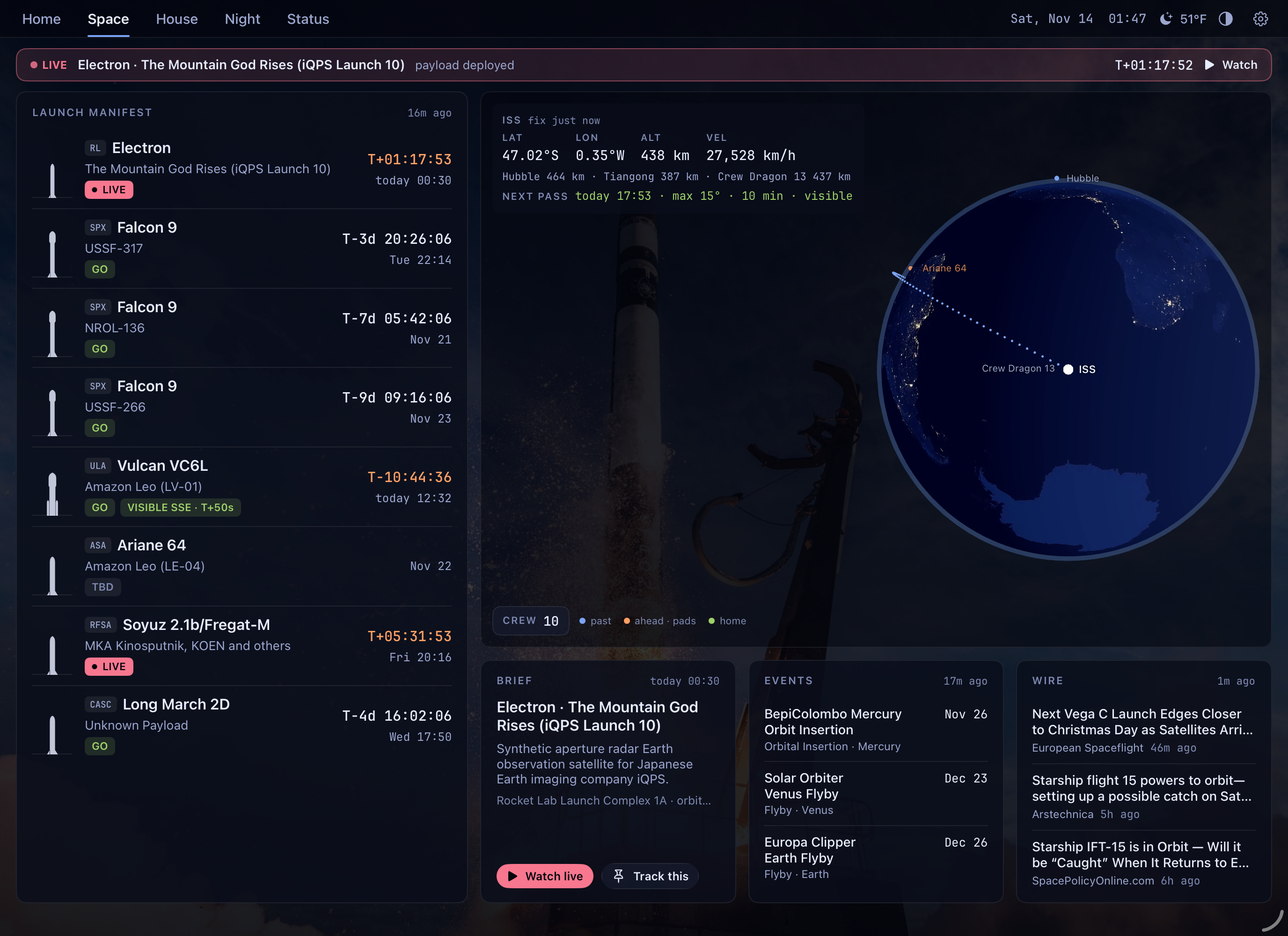
The launch manifest with live T-minus, a globe with the ISS and its next pass over you, launches visible from home, and a Flight Director view that hands off to the stream.
T-3d 19h · visible SE
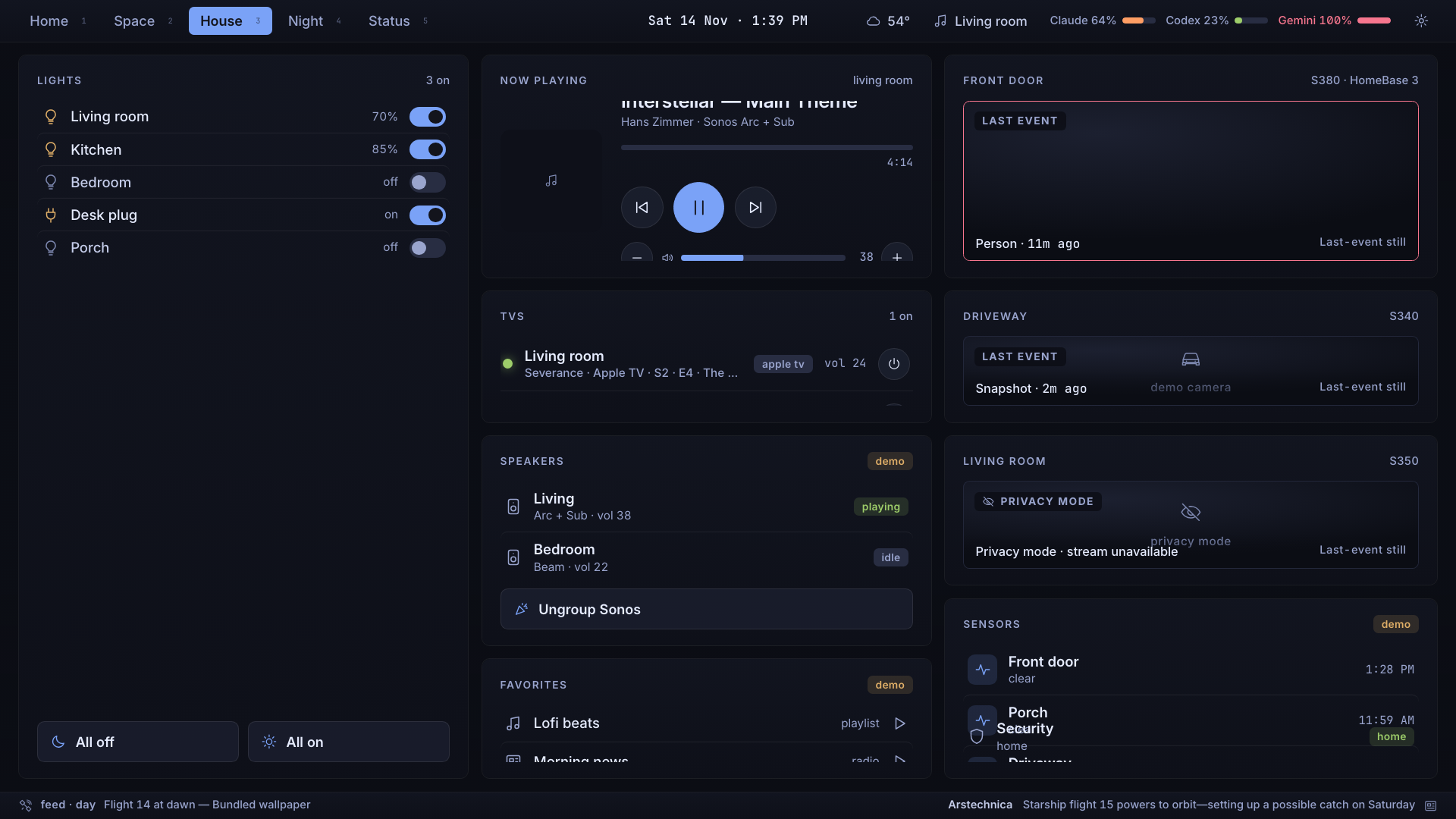
Lights and scenes, what’s playing, TVs and speakers, camera stills, the robot vacuum and the thermostat. Routines and light controls use the warmest colour; nothing sets white light.
3 on · Living room 70%
Devices
The goal is feature parity, not identical pixels. The wall and the TVs share one web app; the Apple apps are native, with SF type, widgets and Siri Remote focus.
A 15.6-inch Android panel, touch first. Flight Day is its home screen and controls its backlight at night.
Remote and D-pad, tested on Sony TVs. The bedroom TV is the night screen and the alarm.
Alarm notifications with Snooze, I’m up and Scrub, Lock Screen widgets and Live Activities.
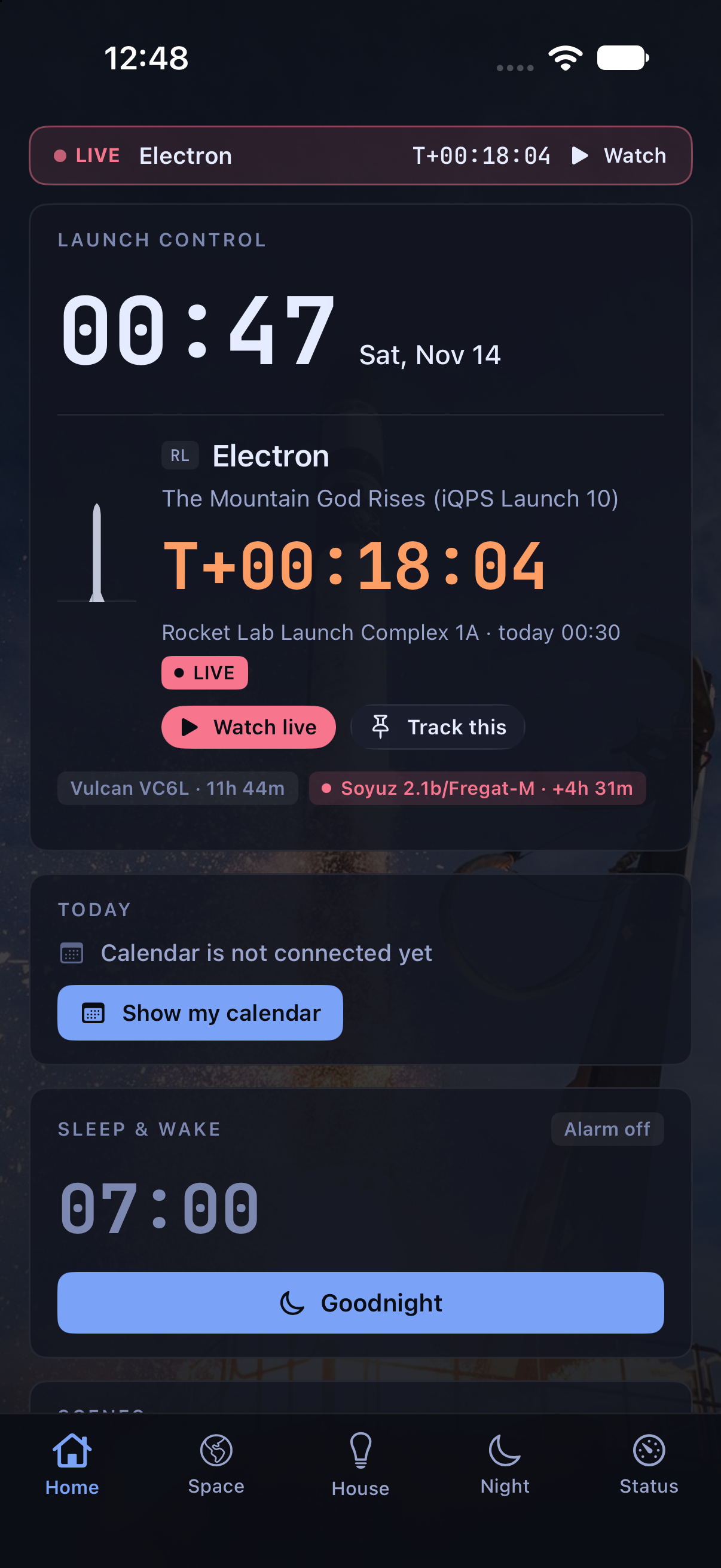
The full dashboard in portrait or landscape, and a wall-mounted night mode.
A sidebar dashboard and a menu-bar countdown to the next liftoff.
Glanceable Home and Space, the alarm with Siri Remote controls, Top Shelf.
The alarm on your wrist (double tap snoozes), complications and an offline “as of” mode.
The house brain: lights, thermostat, media, weather and the alarm schedule all live there.
Gallery
Every image is labelled. Real is a capture from a real device or the app; Sample data is the app’s built-in demo mode with made-up events and rooms. Select an image to open it full size.
Background imagery: NASA
Open source
Flight Day will be published as open source. There’s no repository to link yet; it will appear here when the code is ready to share. Until then, it runs on one household’s screens, and setting it up is hands-on.